MEPCO Smart App
In this digital era, every business is going online to give its customers better and easier services. As MEPCO is a government company, it is allowing its customers to access its services online through MEPCO apps and MEPCO websites.
In its efforts to make its operations online, MEPCO has released its appllication called MEPCO Smart App. With the help of this MEPCO Smart app, the MEPCO users can benefit from each MEPCO service from their homes.
Therefore let’s discuss this application in detail, see what services this Smart App provides, and how to do MEPCO Smart Login.
What is MEPCO Smart App
MEPCO Smart App is an official application which is developed by Power Information Technology Company (PITC) for MEPCO users. With the help of this application the MEPCO users can get access to all the services like paying and checking MEPCO Bill, applying for new connections, estimate monthly bill etc. That’s why it’s beneficial for you to get the MEPCO Smart App.
How to create an account on MEPCO Smart App?
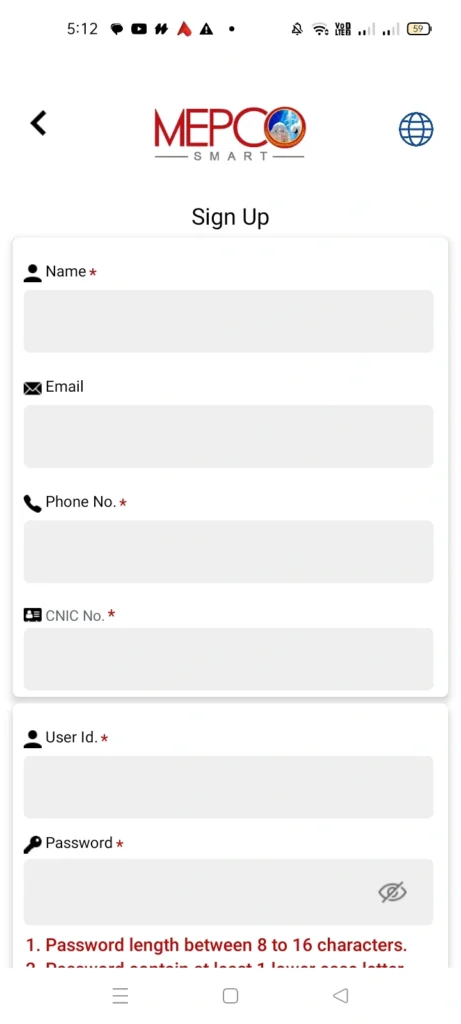
To access all the services of this MEPCO Smart App, you have to create an account on it. To create your account provide the following information:
- Name
- Phone No.
- CNIC No.
- User ID
- Password
Once you have provided all of this information, click the “Sign Up” button, and your account will be created.
How to login to your MEPCO Smart App account (MEPCO Smart Login)?
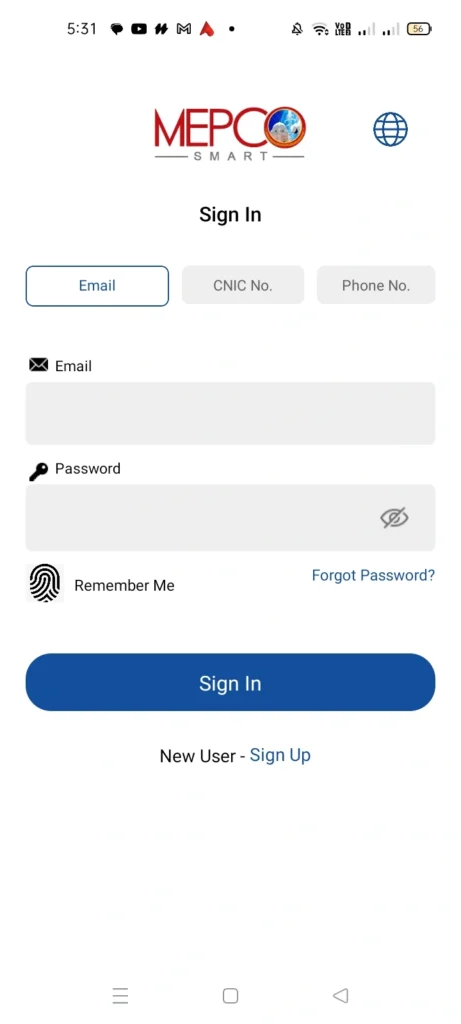
If you have already created your account, you can easily login by providing the following information:
- Email (that you used during sign up)
- Password
Note: Or you can login by using your CNIC No. or Phone No.
Four Sections in MEPCO Smart App
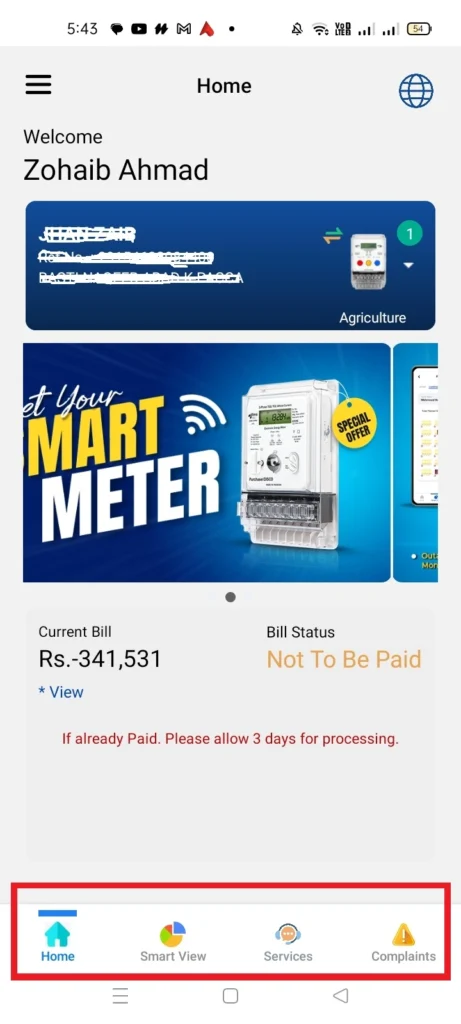
Once you have logged in to your MEPCO Smart App account, you will see the following four sections in it:
- Home
- Smart View
- Services
- Complaints
In the following we are going to discuss each of these sections in detail.
Home – MEPCO Smart App
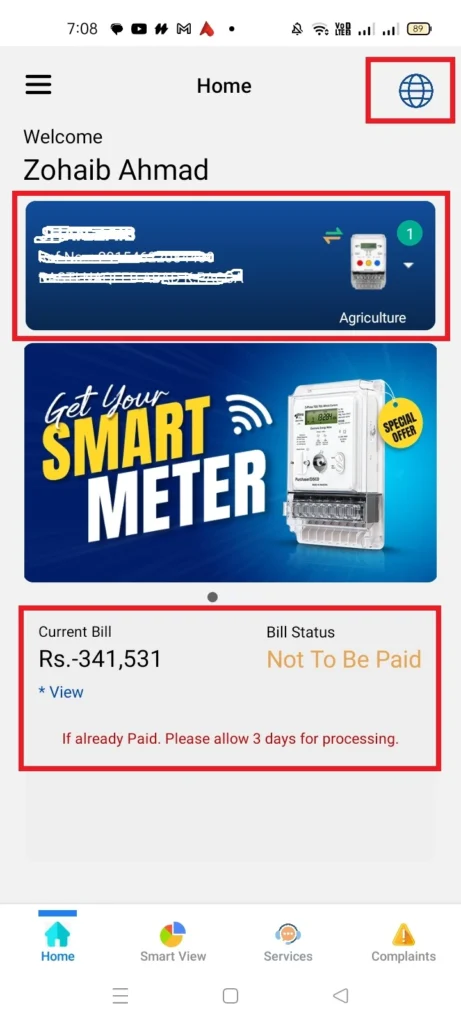
On “Home” section, the overview of your bill and its status (paid or unpaid) is presented. From the globe-like sign you can choose your own language from the following:
- English
- Urdu
- Punjabi
- Saraiki
- Sindhi
- Pashto
- Balochi
Smart View – MEPCO Smart App
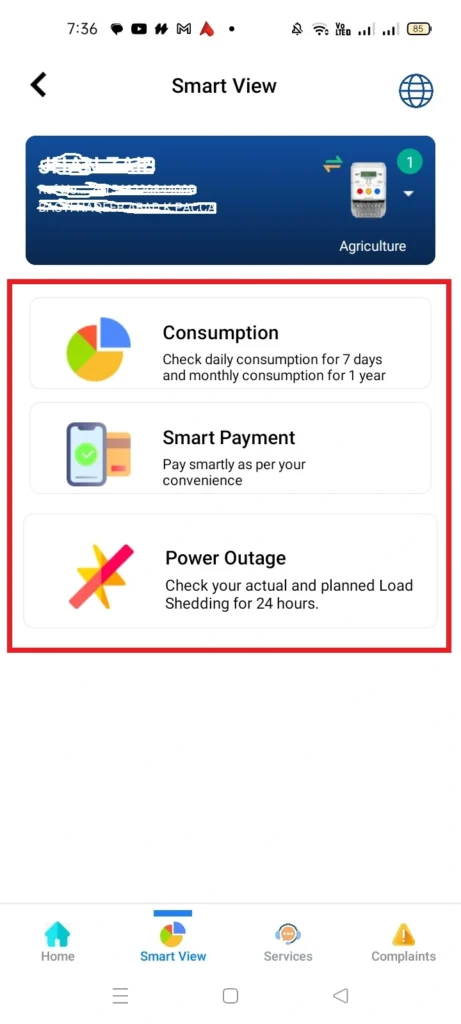
In the “Smart View” section of MEPCO Smart App, the consumers get three options: Consumption, Smart Payment, Power Outage.
Consumption – Smart View
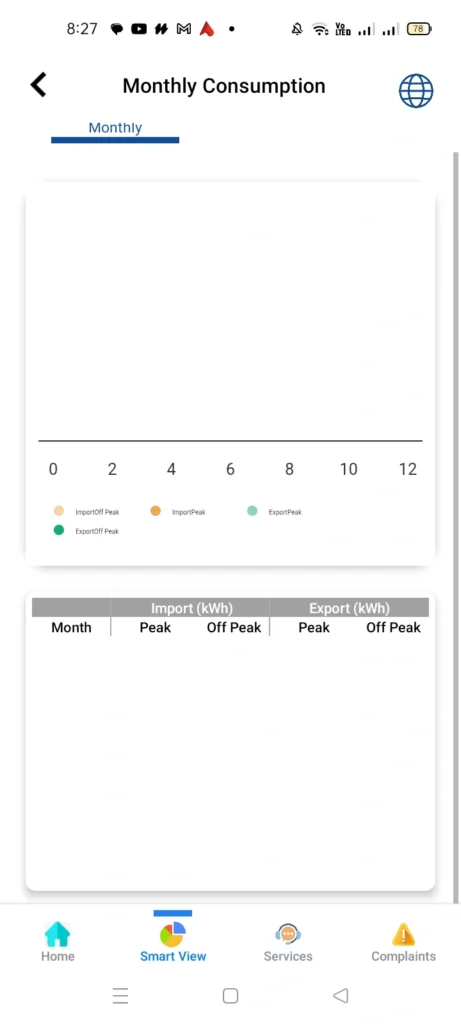
In the “Consumption” section you can check daily units consumption for 7 days and monthly units consumption for 1 year.
Smart Payment – Smart View
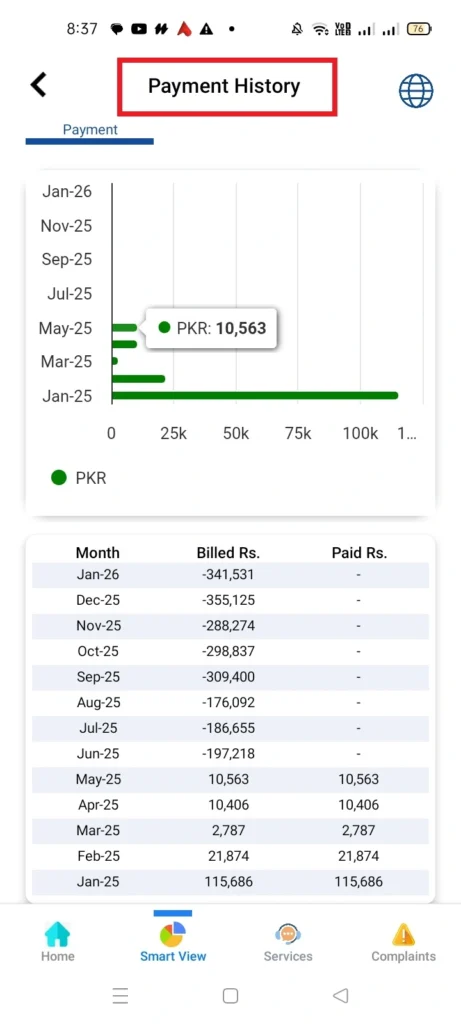
In the “Smart Pay” section, the payment history of your MEPCO bill is presented.
Power Outage – Smart View
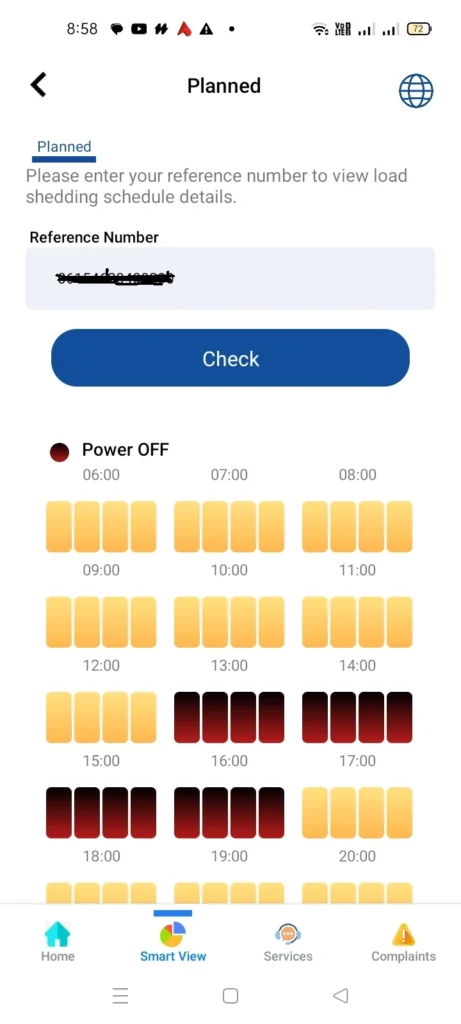
In the “Power Outage” you can check the actual and planned load shedding for 24 hours by putting your reference number, and clicking the “Check” button.
Services – MEPCO Smart App
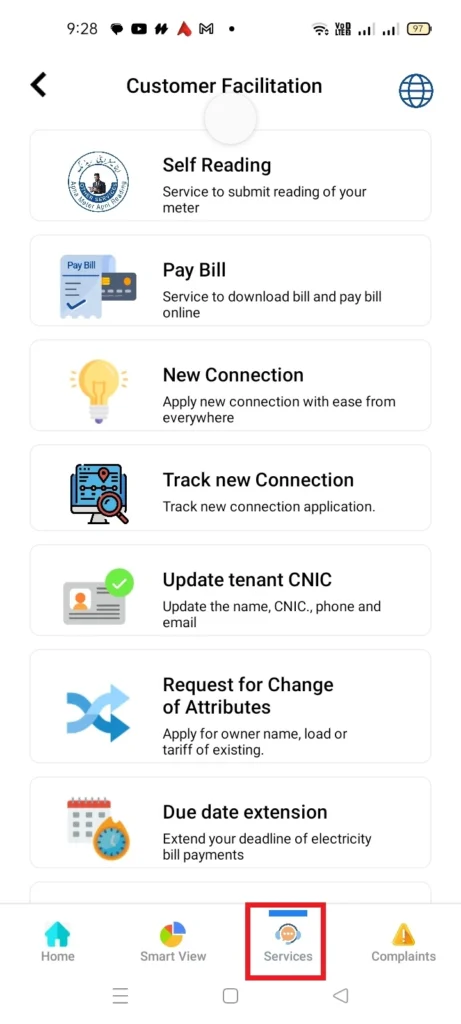
In the “Services” section, MEPCO has mentioned all services that the users can access. These services include:
- Self Reading
- Pay Bill
- New Connection
- Track New Connection
- Update Tenant CNIC
- Request for Change of Attributes
- Due Date Extension
- Request for Installment
- Estimate Bill
Complaints – MEPCO Smart App
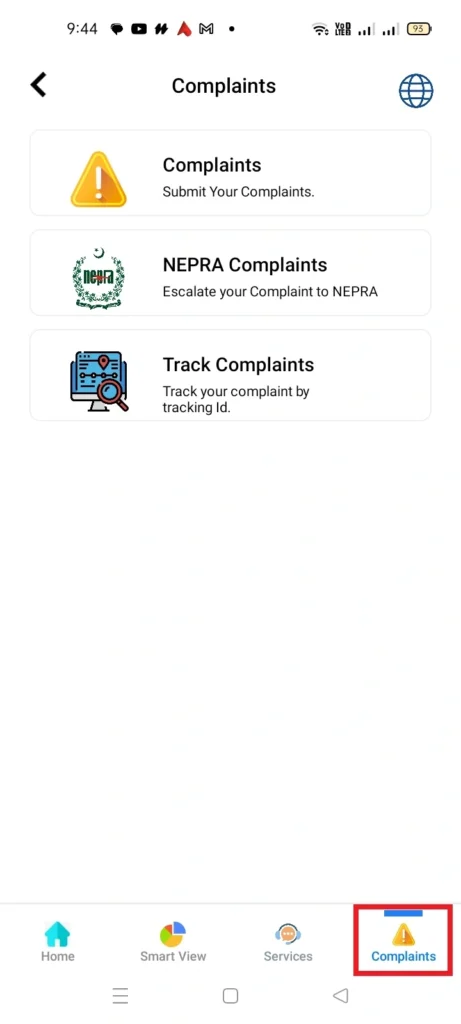
In the “Complaints” section, you can submit your complaints. From “Track Complaints” section you can check the status of your complaint. At “NEPRA Complaints” you can submit your complaints to NEPRA.
Other Options at MEPCO Smart App
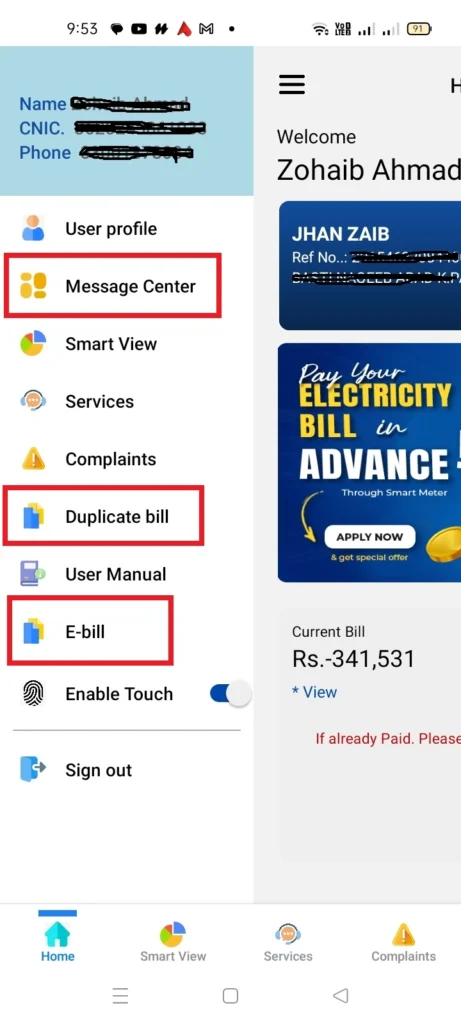
The other important options that you get in the MEPCO Smart App are:
- Message Center
- Duplicate Bill
- E-bill
In the message center, you can check all of your prevoius activities in the MEPCO Smart App. For example if you have submitted an application for MEPCO New Connection, you can see that application in message center.
In the Duplicate Bill Section you can see and download your MEPCO Duplicate Bill. While in the E-bill section you can get the bill invoice in your Gmail in the form of PDF.
FAQs
Conclusion
To conclude the whole discussion it is said MEPCO Smart App has made it easier for MEPCO consumers to access all MEPCO services like checking MEPCO Bill, applying for new MEPCO connection, estimating monthly bill, downloading dupliacte bill, and much more.
If you have not installed this application in your mobile yet, just go and download it. Because with the help of this application you will be able to access all MEPCO services from any place and any time.